Alerts - Monitoring and Notifications
Overview
Section titled “Overview”Alerts in LogCentral help you proactively monitor your infrastructure by automatically notifying you when specific conditions are met in your logs. Instead of constantly watching dashboards, you can configure alerts to keep you informed about critical events and patterns in your system.
This article focuses on alert configuration and management for monitoring your ingested logs. For information about tracking organization activity and changes, please refer to the Audit Logs article.
Understanding the Alert System
Section titled “Understanding the Alert System”LogCentral’s alert system works by continuously monitoring your log data and triggering notifications when predefined conditions are met. This allows you to:
- Detect critical issues before they impact your users
- Monitor specific log patterns across your infrastructure
- Receive timely notifications through your preferred channels
- Reduce the need for manual log monitoring
- Respond quickly to system events
Alert Configuration Basics
Section titled “Alert Configuration Basics”Accessing Alert Settings
Section titled “Accessing Alert Settings”To configure alerts for your locations, navigate to the location details page at /organizations/:orgId/locations/:locationId. This page provides comprehensive management tools for your location, including alert configuration options.
Key Components
Section titled “Key Components”The alert system integrates with several core features:
- Location monitoring: Alerts are configured per location to monitor specific infrastructure components
- Log filtering: Works alongside filter rules to focus on relevant log data
- Storage tracking: Monitor storage usage and set alerts for capacity thresholds
- Real-time processing: Alerts evaluate incoming logs as they arrive
Setting Up Notification Channels
Section titled “Setting Up Notification Channels”Available Notification Methods
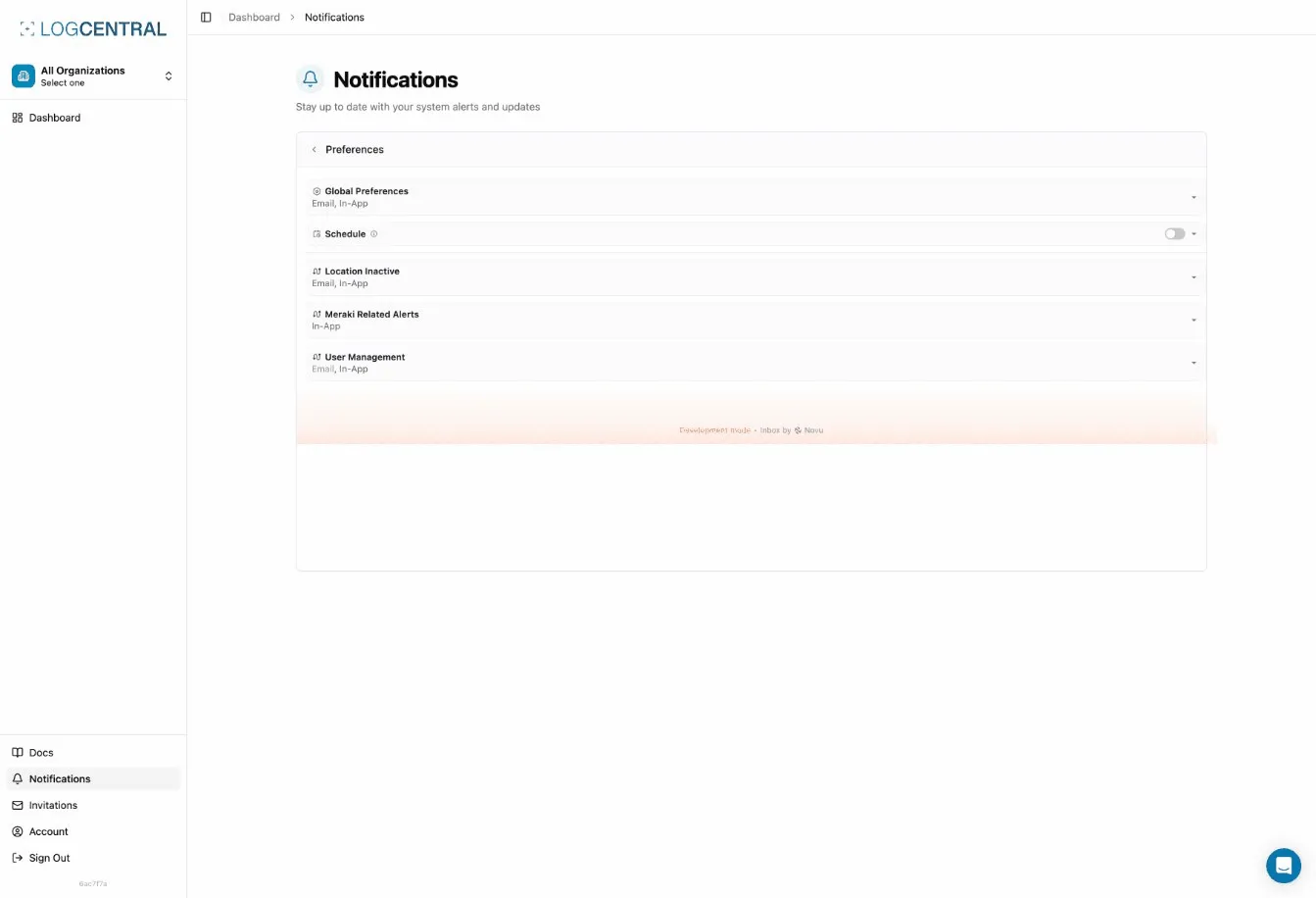
Section titled “Available Notification Methods”LogCentral supports multiple notification channels to ensure you receive alerts through your preferred communication tools:
- Email notifications: Receive alerts directly in your inbox
- Webhooks: Integrate with external systems and tools
- Custom integrations: Connect with your existing monitoring infrastructure
Configuring Notification Preferences
Section titled “Configuring Notification Preferences”When setting up notifications, consider:
- Notification frequency: Configure how often you want to receive alerts for the same condition
- Cooldown periods: The system includes notification tracking to prevent duplicate alerts within a specified timeframe
- Recipient management: Define who should receive specific alert types
The system uses the NotificationLog model to track sent notifications and prevent duplicates during cooldown periods, ensuring you’re not overwhelmed with repeated alerts for the same issue.
Creating Alert Rules
Section titled “Creating Alert Rules”Defining Alert Conditions
Section titled “Defining Alert Conditions”Alert rules allow you to specify exactly what conditions should trigger notifications. When creating rules, you can:
- Define log patterns to match
- Set threshold values for metrics
- Specify time windows for evaluation
- Configure severity levels
Pattern Matching
Section titled “Pattern Matching”Similar to the filter rules system, alerts can use pattern matching to identify specific log entries. The system supports:
- Regular expression patterns for flexible matching
- Pattern validation to ensure rules work correctly
- Testing capabilities to verify your patterns before activation
Best Practices for Alert Rules
Section titled “Best Practices for Alert Rules”Be specific with your patterns: Create focused rules that target specific issues rather than broad patterns that might generate too many alerts.
Test before enabling: Use the pattern testing features to verify your alert conditions match the intended logs.
Set appropriate thresholds: Balance between catching important issues and avoiding alert fatigue from too many notifications.
Document your rules: Keep notes about why each alert exists and what action should be taken when triggered.
Managing Alerts Across Locations
Section titled “Managing Alerts Across Locations”Multi-Location Monitoring
Section titled “Multi-Location Monitoring”For organizations with multiple locations, you can:
- Configure location-specific alert rules
- Set up organization-wide monitoring policies
- Manage alerts centrally while maintaining location-specific customization
Monitoring Server Assignment
Section titled “Monitoring Server Assignment”The system includes automatic monitoring server assignment functionality through the /monitoring/auto-assign endpoint. This ensures:
- Balanced distribution of monitoring workload
- Reliable alert processing across your infrastructure
- Automatic failover capabilities
Note: Monitoring server assignment is a system-wide operation that requires super admin privileges.
Alert Management Features
Section titled “Alert Management Features”Enabling and Disabling Alerts
Section titled “Enabling and Disabling Alerts”You can easily enable or disable alert rules without deleting them. This is useful for:
- Temporarily suspending alerts during maintenance
- Testing new configurations
- Seasonal or time-based monitoring needs
Alert History
Section titled “Alert History”The system maintains a history of triggered alerts, allowing you to:
- Review past notifications
- Analyze alert patterns
- Identify recurring issues
- Audit notification delivery
Permission-Based Access
Section titled “Permission-Based Access”Alert management respects your organization’s permission structure:
- Location managers can configure alerts for their locations
- Organization administrators have broader alert management capabilities
- Read-only users can view alert configurations but cannot modify them
Testing and Troubleshooting
Section titled “Testing and Troubleshooting”Verifying Alert Configuration
Section titled “Verifying Alert Configuration”Before relying on alerts in production:
- Test your patterns: Use the testing features to verify patterns match expected logs
- Verify notification delivery: Confirm notifications reach the intended recipients
- Check timing: Ensure alerts trigger within acceptable timeframes
- Review cooldown periods: Verify duplicate prevention works as expected
Common Issues and Solutions
Section titled “Common Issues and Solutions”Alerts not triggering: Verify your patterns match the actual log format and that the alert rule is enabled.
Too many notifications: Review your pattern specificity and consider adjusting thresholds or cooldown periods.
Missing notifications: Check notification channel configuration and ensure recipients are correctly specified.
Performance concerns: If you have many alert rules, consider consolidating similar patterns or adjusting evaluation frequency.
Integration with Other Features
Section titled “Integration with Other Features”Log Filtering
Section titled “Log Filtering”Alerts work alongside the log filtering system. The FilterRulesCard component allows you to configure which logs are stored, while alerts monitor the logs that pass through your filters. Consider this relationship when designing your monitoring strategy.
Storage Monitoring
Section titled “Storage Monitoring”Use alerts to monitor storage usage and receive notifications when approaching capacity limits. The location details page includes storage statistics that can inform your alert thresholds.
Real-Time Log Streaming
Section titled “Real-Time Log Streaming”The system supports real-time log streaming via WebSocket, which enables:
- Immediate alert evaluation on incoming logs
- Reduced latency between event occurrence and notification
- Live monitoring capabilities
Best Practices for Effective Alerting
Section titled “Best Practices for Effective Alerting”Design Principles
Section titled “Design Principles”Alert on symptoms, not causes: Focus on user-impacting issues rather than internal system states.
Prioritize actionability: Every alert should have a clear response action.
Avoid alert fatigue: Too many alerts reduce their effectiveness. Be selective about what triggers notifications.
Use appropriate severity levels: Distinguish between critical issues requiring immediate attention and informational alerts.
Maintenance and Review
Section titled “Maintenance and Review”Regularly review your alert configuration:
- Remove or adjust rules that generate false positives
- Update patterns as your log format evolves
- Verify notification channels remain current
- Document changes to alert rules
Scaling Considerations
Section titled “Scaling Considerations”As your infrastructure grows:
- Review alert distribution across locations
- Consider consolidating similar alerts
- Monitor the performance impact of alert evaluation
- Adjust notification strategies to prevent overwhelming recipients
Getting Started
Section titled “Getting Started”To begin using alerts effectively:
- Start simple: Create a few high-priority alerts for critical issues
- Monitor and adjust: Review alert effectiveness over the first few weeks
- Expand gradually: Add more alerts as you understand your log patterns
- Document your strategy: Keep notes on alert purposes and response procedures
Remember, effective alerting is about finding the right balance between staying informed and avoiding notification overload. Focus on alerts that drive action and continuously refine your configuration based on real-world experience.